Integral Calculator
Find an antiderivative or a signed area with this integral calculator.
Integral calculator: decide what answer you need
An integral calculator answers two different questions. An indefinite integral asks for a family of antiderivatives: functions whose derivative is the expression you entered. A definite integral asks for one accumulated, signed value between two bounds. I decide which question I am answering before choosing a rule, because a correct formula can still answer the wrong question.
For an indefinite calculation, the result includes C. Every constant has derivative zero, so adding one produces another valid member of the family. The graph lets you move C without changing the integrand. For a definite calculation, the constants cancel in F(b) − F(a). You receive a number rather than a family, and reversing the bounds reverses its sign.
Write the expression so it has one meaning
Enter the integrand without an equals sign or the differential dx. Select the variable separately. Write powers with ^, multiplication with *, and decimal numbers with a point. Parentheses are required around function arguments: sin(x), not sin x. The parser accepts familiar implicit multiplication such as 2x and 3(x+1), but I still use explicit multiplication when checking a complicated denominator.
The difference between 1/x+1 and 1/(x+1) is substantial. The first adds one after dividing; the second divides by the whole sum. The input preview displays grouped expressions so you can inspect this distinction. Scientific notation such as 2e3 means 2000. Type 2*e^x when you mean twice the exponential function. Trigonometric arguments use radians, ln is the natural logarithm, and log is base ten.
Other single-letter variables become constant parameters. Their values affect graphs, definite calculations and sampled checks. An antiderivative can still contain the parameter itself. If you change the integration variable, inspect those fields again: a letter previously treated as a parameter may now be the variable being integrated.
Follow a definite calculation from formula to value
Consider x^2 from 0 to 3. The power rule gives F(x) = x^3/3, because differentiating that expression returns x^2. Evaluate the endpoints separately: F(3) = 27/3 = 9 and F(0) = 0. Their difference is 9 − 0 = 9. The graph shades a positive region, and the signed integral and geometric area both display 9.
Now exchange the bounds. The expression remains x^2, but the calculation becomes F(0) − F(3) = 0 − 9 = −9. The geometric region has not changed, so its area remains 9. I read the bound direction beside the result before interpreting a negative value. A negative integral can arise from orientation even when the curve stays entirely above the axis.
Positive and negative regions can cancel
Integrating x from −1 to 1 gives F(x) = x^2/2. Both endpoint values are 1/2, so the signed integral is zero. Yet each triangular region has area 1 × 1/2 = 1/2. Adding their sizes gives geometric area 1. Zero therefore describes cancellation, not the absence of a visible region.
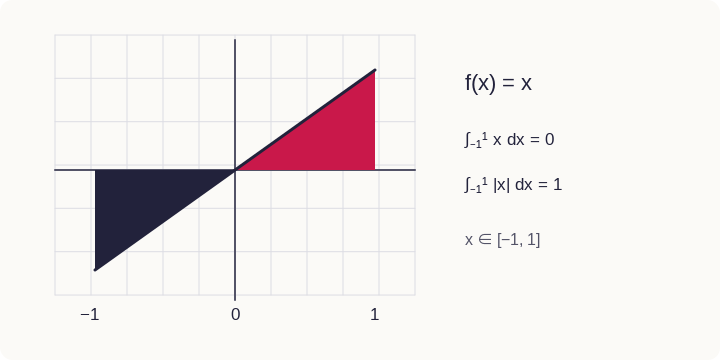
The calculator computes geometric area by integrating the absolute value numerically. The shaded pieces show where the integrand is above or below the horizontal axis. They are sampled drawings, not an exact geometric construction. When bounds are reversed, the signed value changes direction while geometric area stays nonnegative.
Choose a rule that matches the whole expression
| Integrand | Antiderivative, before C | Condition |
|---|---|---|
| x^n | x^(n+1)/(n+1) | n ≠ −1; inspect the real domain |
| 1/x | ln(abs(x)) | x ≠ 0; stay within a domain interval |
| sin(x) | −cos(x) | Radians |
| exp(ax+b) | exp(ax+b)/a | Constant a ≠ 0 |
| 1/(1+x^2) | atan(x) | All real x |
The engine recognizes a limited set of elementary patterns, including linear substitutions and selected integration-by-parts products. Its displayed rules explain matches it actually made. A failure to find a supported formula is a limit of this engine; it does not establish that no elementary antiderivative exists. In finite definite mode, numerical integration can still estimate a suitable real integral.
Check the interval before subtracting endpoints
For 1/x from −1 to 1, ln(abs(1)) and ln(abs(−1)) both equal zero. Subtracting those values would produce a misleading zero, because the integrand is undefined at an interior point. I check the original expression before simplifying it: cancelling x/x or multiplying 1/x by zero must not quietly erase a hole in the input domain.
The interval screening examines divisions, real powers, roots, logarithms and trigonometric poles. It subdivides intervals when a broad range estimate is inconclusive, then rejects a calculation it cannot screen within its limit. Such a rejection does not prove divergence. Infinite bounds and improper integrals need separate limit arguments and are outside this tool’s scope. The distinction is explained in OpenStax’s section on improper integrals.
Read an estimate together with its checks
The finite integral of exp(−x^2) from 0 to 1 is approximately 0.7468241328124271. The calculator uses adaptive Simpson integration when a symbolic match is unavailable. It compares calculations from two different initial partitions and reports an estimated discrepancy and evaluation count. These checks help expose numerical trouble; the displayed discrepancy is not a guaranteed error bound.
For a matched symbolic result, the engine also differentiates the candidate and compares it with the integrand at valid sample points. Agreement is useful evidence, not a proof of identity everywhere. The graph has the same limitation. A narrow feature or a singularity may require mathematical inspection beyond any finite set of plotted points. Change the graph window to examine a suspected problem without treating the picture as a certificate.
Small calculations that reveal the important differences
| Expression and bounds | Signed result | What it checks |
|---|---|---|
| x^2, 0 to 3 | 9 | Power rule and endpoint subtraction |
| x^2, 3 to 0 | −9 | Bound orientation |
| x, −1 to 1 | 0; geometric area 1 | Cancellation |
| sin(x), 0 to pi | 2 | Radian trigonometry |
| cbrt(x), −8 to 0 | −12; geometric area 12 | A real cube root for negative input |
| 1/x, −1 to 1 | Rejected | An interior domain failure |
The underlying evaluation convention is F(b) − F(a) under the conditions of the Fundamental Theorem of Calculus. Values are calculated with browser floating-point numbers and rounded for display. This is a learning and checking tool, rather than a replacement for a proof or a general computer algebra system.
Keep the expression and the context together
Copy the result as text or LaTeX, or download the plotted samples as a CSV with decimal points. A CSV contains graph samples, not the adaptive integration trace. History records the variable, mode, bounds, parameter values and graph window. It remains in memory until you explicitly save it on this device; restoring checks the stored format first. Editing calculation inputs disables exports until you calculate again.
For further practice, compare signed area and reversed bounds, learn when to choose substitution or integration by parts, and inspect domain checks and numerical limits. I keep those three tasks separate: choosing a rule, validating its interval and interpreting its number each catches a different kind of mistake.
Questions and answers
Does it solve every integral?
No. The symbolic engine recognizes a limited set of patterns. Finite definite mode can try a numerical estimate when no supported elementary form is found.
Why does an indefinite result include C?
Adding a constant does not change a derivative. C describes a family of antiderivatives; it cancels when you subtract endpoint values.
Can the definite integral be negative?
Yes. Regions below the axis contribute negatively, and reversing the bounds reverses the sign. Geometric area remains nonnegative.
Can I enter infinite bounds or cross a pole?
No. This tool evaluates finite real intervals that pass its conservative screening. Improper integrals need separate limit arguments.
Are my expressions saved automatically?
No. History stays in memory until you choose Save history on this device. The calculator makes no network requests with your expressions.
Guides
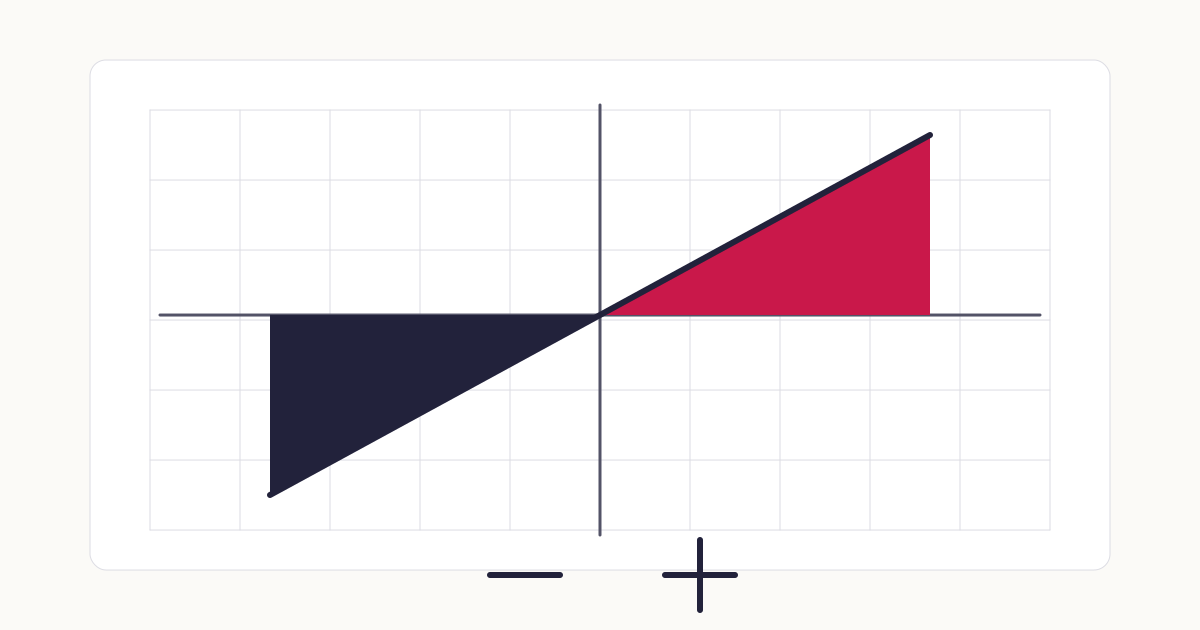 Definite integrals: signed area and reversed boundsFollow the sign through the curve, the bounds and the endpoint calculation; a zero result can still enclose visible area.5-minute read
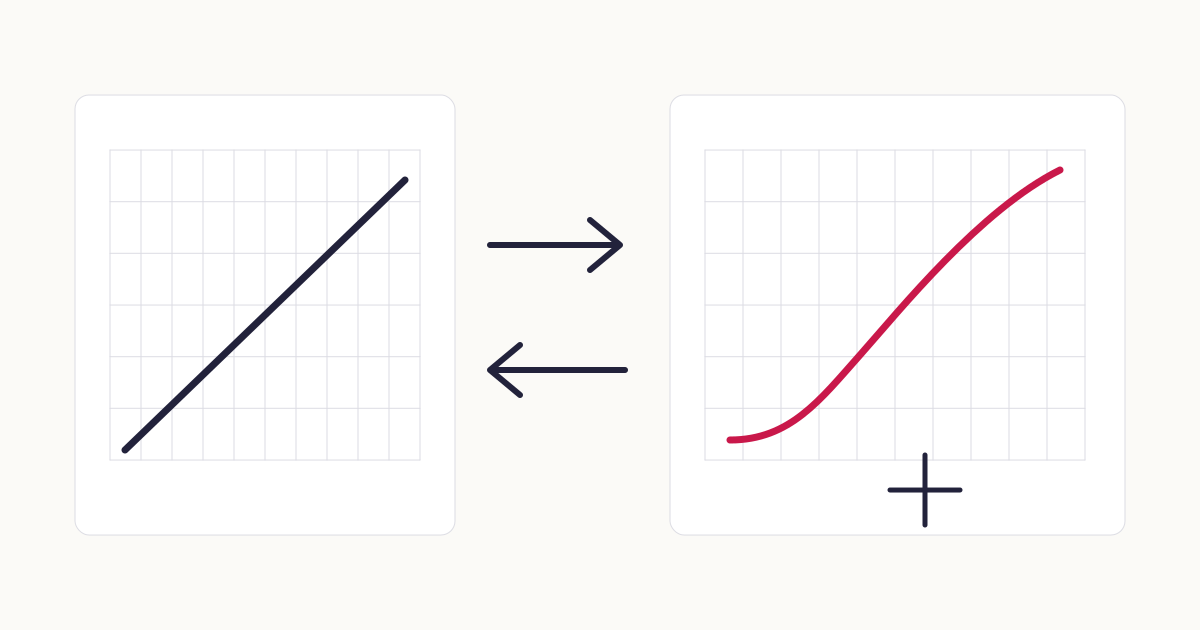 Choosing substitution or integration by partsLook for an inner derivative or a product that simplifies after differentiation, then check the complete proposed answer.5-minute read
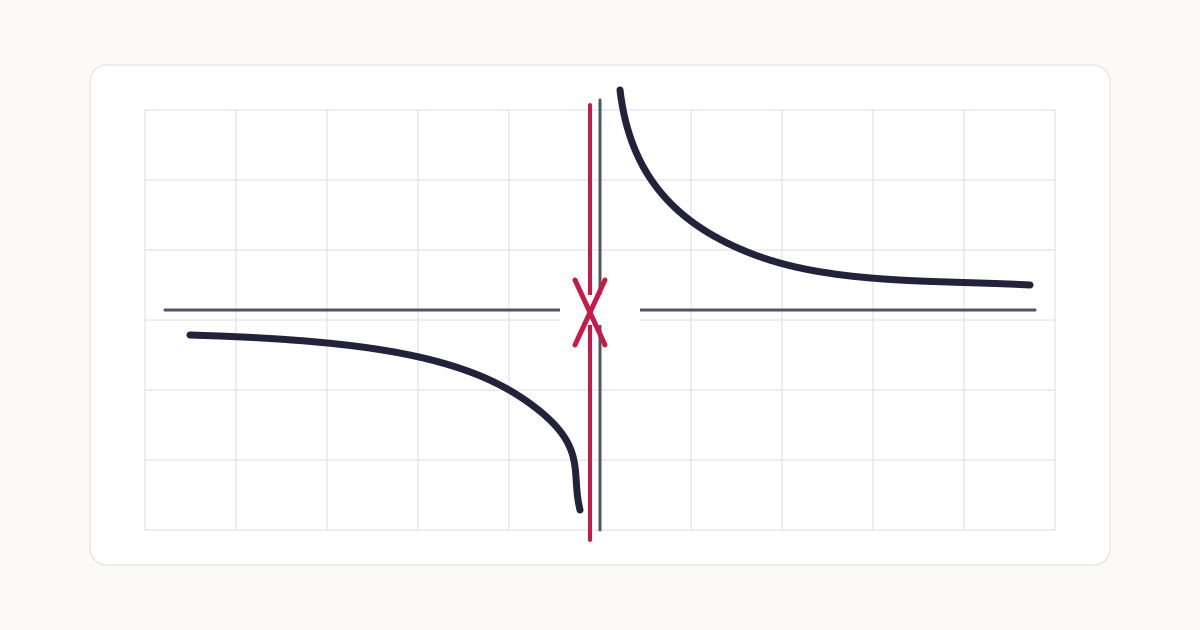 Domain checks and numerical integration limitsA finite-looking number can hide a pole. Learn what domain screening and convergence checks can establish, and what they cannot.5-minute read